3D Market Analysis Built For Fast Visual Reads
Orbit Charts turns market pressure, volume, sentiment, and context into a browser-based 3D workflow designed for short-term analysis.
From Market Shape To Trade Confirmation
Start with the visual order-flow edge, then layer in context, confirmation, live tick activity, and familiar indicators when you need them.
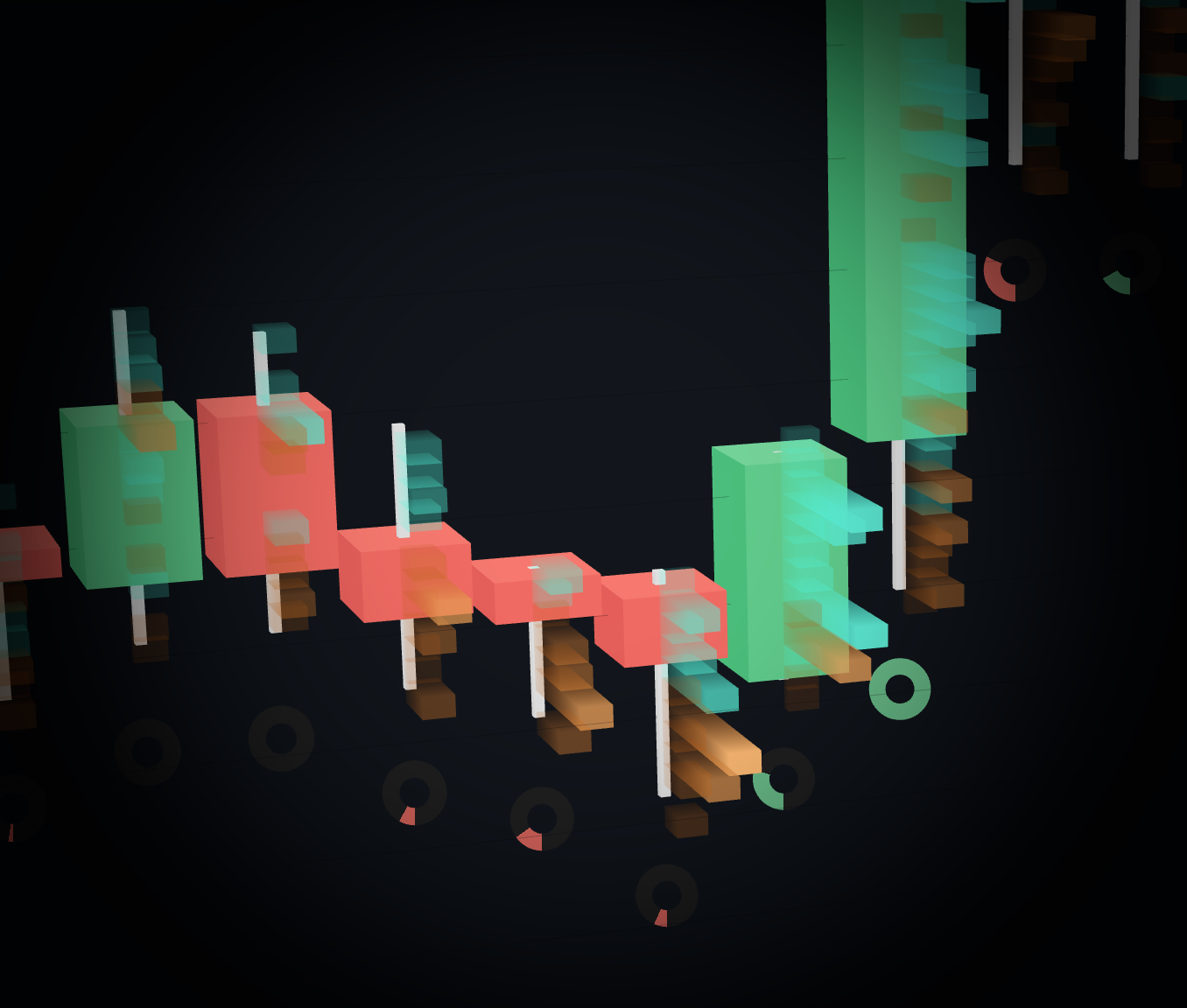
3D Trade Heatmap
Cluster trade activity by price level in 3D space so volume concentration, rejection areas, and pressure zones are easier to inspect.
- Switch between total volume, buy volume, sell volume, and delta views.
- Spot where activity builds around wicks, stalls, and rejection zones.
- Pair with camera movement to inspect the same market structure from multiple angles.
Wick Absorption Indicator
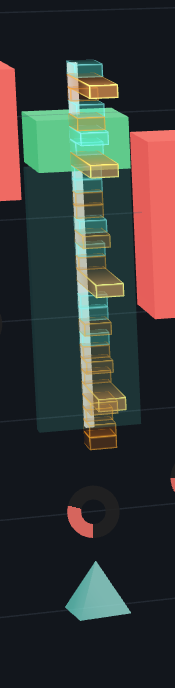
Highlight wick areas where aggressive buying or selling appears to be absorbed and rejected, leaving a visible zone on the chart.
- Detect bullish lower-wick and bearish upper-wick absorption patterns.
- Use price-level volume, wick volume share, aggression, contrary delta, and close rejection.
- Display configurable zones and markers directly on the 3D candles.
Market Regime Indicator
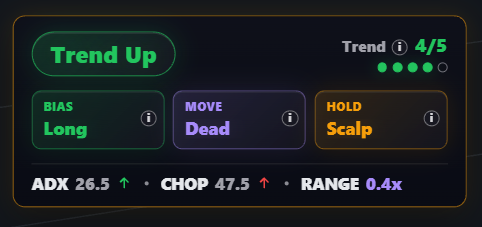
Summarize whether the market is trending, chopping, transitioning, expanding, or exhausted before you commit attention to a setup.
- Classify regime, directional bias, movement state, and hold mode.
- Combine ADX, CHOP, VWAP, EMA, range expansion, and pullback control.
- Use a simple trend quality score to see when context is aligned.
Market Sentiment Indicator
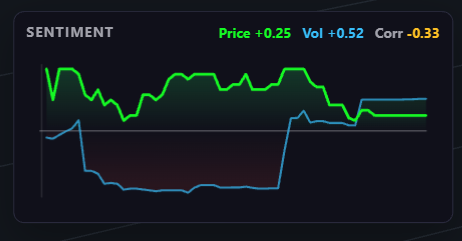
Compare price direction against volume delta as the active bar develops, making agreement, divergence, and fading conviction easier to see.
- Track price direction and volume delta through the active candle.
- Surface whether price and volume are confirming or disagreeing.
- Show correlation over the visible live history window.
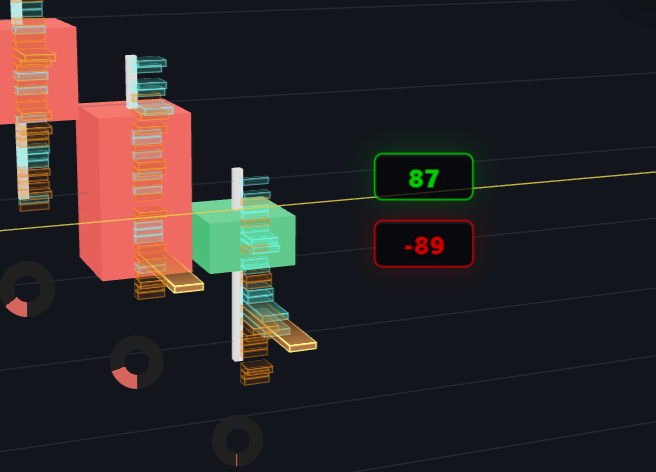
Volume Tick Visualizer
Show live buy and sell tick volume near the active candle so the latest push is visible while the current bar is still forming.
- Use split buy/sell numbers or a combined delta-style read.
- Keep the latest classified activity next to the active candle.
- Clear numbers by candle duration or after a configurable activity timeout.
Candlestick Volume Visualizers
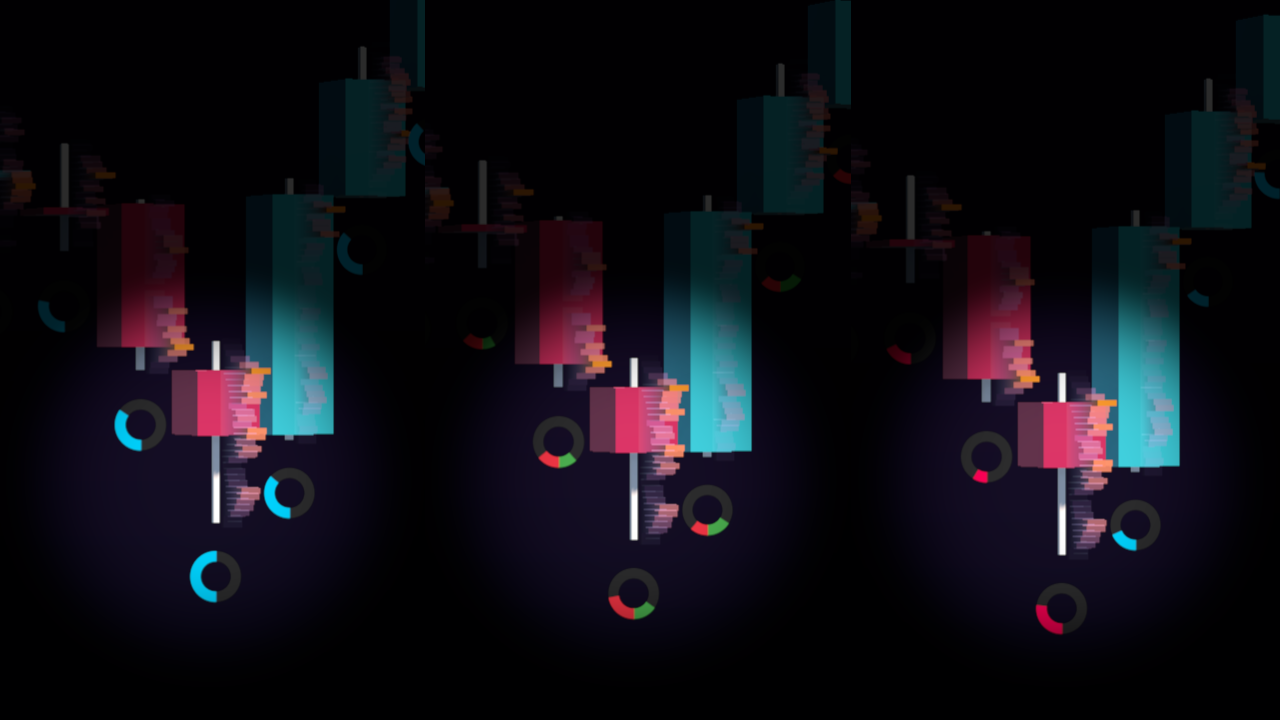
Attach volume rings directly to candlesticks so total volume, buy/sell pressure, and delta stay close to the price action they explain.
- Read total volume, buy/sell volume, or volume delta without opening a separate panel.
- Use global or recent-window scaling to compare activity across visible candles.
- Keep volume context attached to the candle instead of separated below the chart.
Gauge Indicators
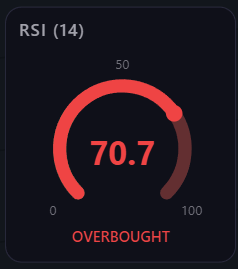
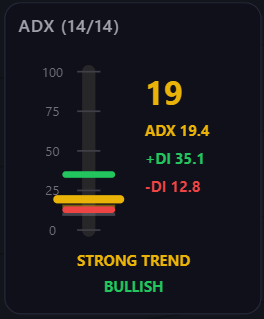
Use compact gauge-style indicators for familiar context without cluttering the main chart surface.
- RSI Gauge helps show momentum stretch.
- ADX Gauge helps show trend strength.
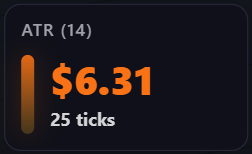
- ATR Gauge helps show range and volatility context.
Market Data Included
Paid plans include real-time exchange market data with rapid tick-based updates over WebSockets, so you can spend less time wiring up feeds and more time reading the chart.
Choose The Workspace Limits That Fit Your Flow
Advanced includes the core Orbit Charts feature set. Max keeps the same foundation and adds the least restrictive workspace limits plus real-time news updates.
The Fastest Way To Understand Orbit Charts Is To Launch It
Open the live NQ demo and explore the charting experience directly. No account, credit card, or download required for the demo.